

Are Android Apps on PC Safe? What You Need to Know Before Installing
With the rising popularity of Android emulators and cross-platform software, using Android apps on a PC has never been more accessible. From gaming to messaging to productivity tools, users can now bring their favorite mobile apps to a bigger screen. However, this convenience comes with questions about safety and trust. Is it safe to run Android apps on a Windows or Mac computer? What should users be aware of before diving into downloads and installations?
In this article, we explore key things you need to know before running Android apps on your computer. From app sources to emulator security, understanding these basics can help prevent digital missteps and unnecessary risks.
Not All Android Emulators Are Created Equal
One of the most popular methods for running Android apps on a PC is by using an emulator. While options like BlueStacks, NoxPlayer, and LDPlayer are widely used, not every emulator available is trustworthy. Some may come bundled with intrusive ads or even …

 Well, it’s not your typical racing game where the sole objective is to focus on speed to cross the finish line before your opponents. Instead, this game puts you in various driving scenarios that require precision and skill to navigate through. From parallel parking challenges to avoiding oncoming traffic, each level presents a unique set of obstacles. But don’t let the seemingly simple concept fool you – Dr. Driving is incredibly addictive. …

 The Flashforge Creator Pro is a great option for a
 Thanks to technology, you can now bank and make transactions from anywhere in the world. Several different apps and platforms allow you to do this, including PayPal, Venmo, and Square Cash. These apps will enable you to send money to your friends or family members and pay for goods and services. In addition to making it easier for people to bank and complete transactions, …
 Smart Transfer is a program you can use to transfer files between devices. This includes transferring files from your computer to your phone or vice versa. Smart Transfer is available for both Windows and Mac users, and it has a variety of features that make file transfers simple and efficient. Some of these features include the ability to select multiple files for Transfer, the ability to pause and resume transfers, and the ability to detect devices that are connected to your computer automatically. Smart …


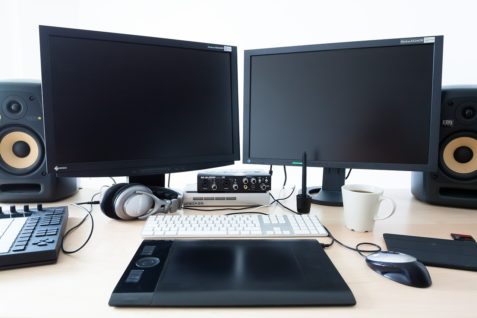







 There are various types of computer pointing devices, and mice include cordless mice, optical mice, wheel mice, and J-mice. We also have joysticks, trackball, and …


